

 R
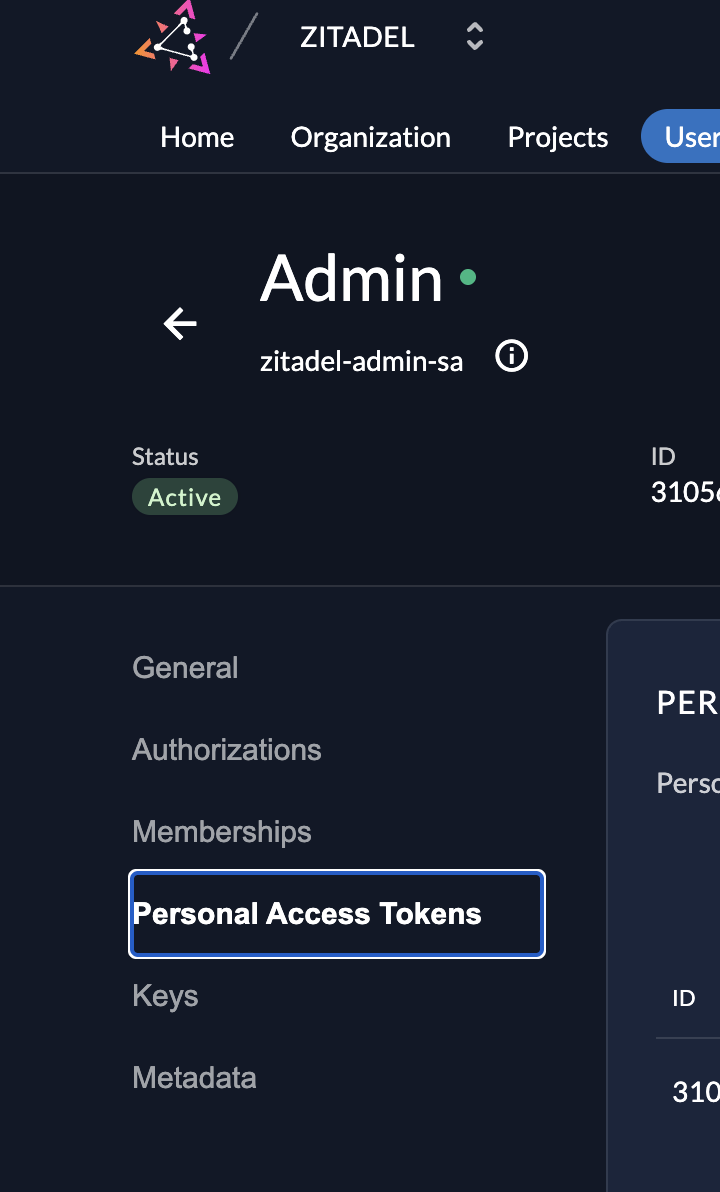
Rhi @georgetjose thank you for your question. You can generate PAT for a service user.
Here's the guide to do that peorperly
The other way to do it is to is via a provate JWT key
here you genarete a key-pair and create an access token from it via the
the
All in all, zitadel provides 2 auth medhods and you can read about them here to choose whatever suits you the best
https://zitadel.com/docs/guides/integrate/service-users/authenticate-service-users#authentication-methods
please lmk if this helps
Here's the guide to do that peorperly
The other way to do it is to is via a provate JWT key
here you genarete a key-pair and create an access token from it via the
zitadel-tools. The command to do that would bethe
key.json file would be the one you'd download above and output file is the file where it will be saved.All in all, zitadel provides 2 auth medhods and you can read about them here to choose whatever suits you the best
https://zitadel.com/docs/guides/integrate/service-users/authenticate-service-users#authentication-methods
please lmk if this helps
RHi @georgetjose let me read it and I will get back to you
RHi @georgetjose while I look into this, you can play around APIs by using PAT(personal Access Token)
You can read about it here
I am discussing it with the team as to why is it happening.
You can read about it here
I am discussing it with the team as to why is it happening.
 R
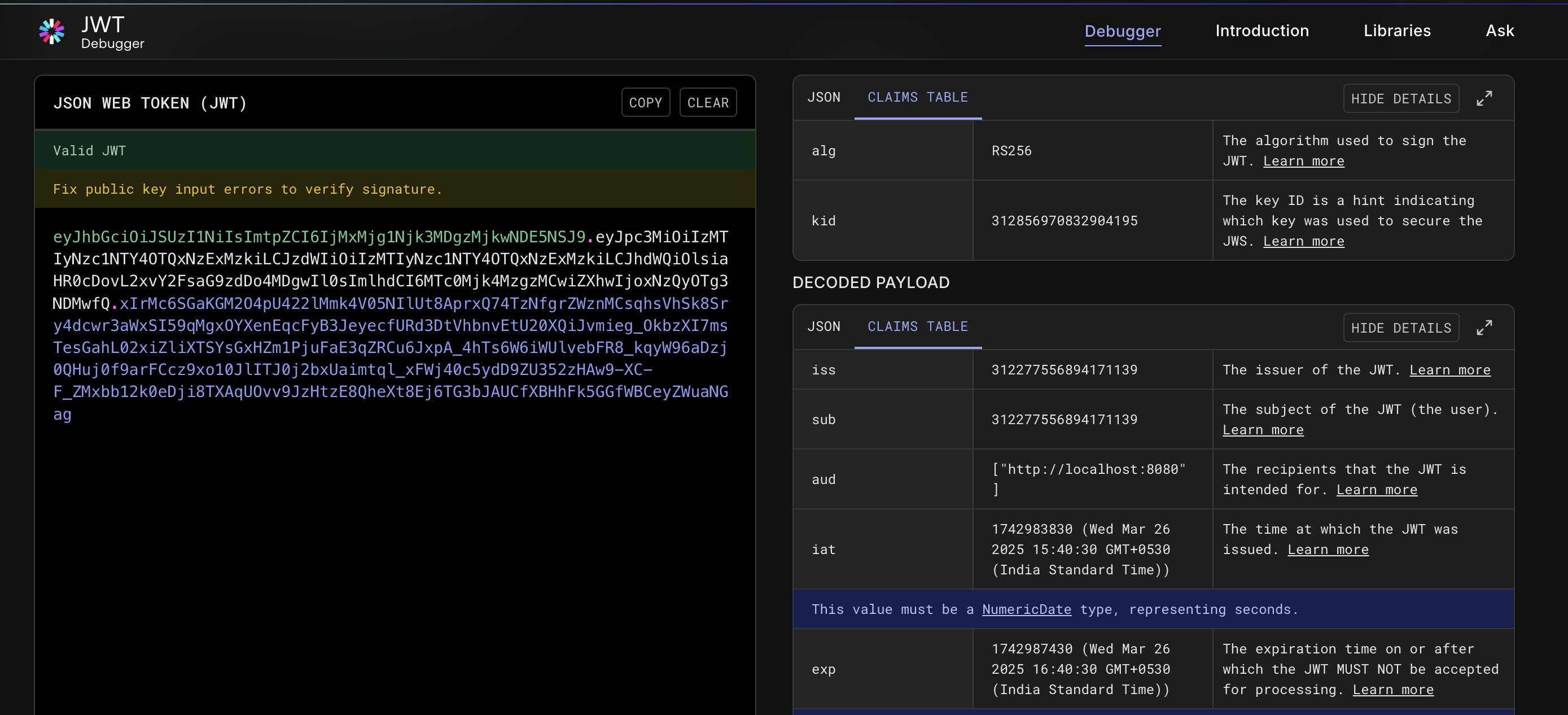
RI validated you generated access token that you shared above
and it looks good to me
you can verify it here https://jwt.io/#libraries-io
and it looks good to me
you can verify it here https://jwt.io/#libraries-io
 R
Roops ahaha, I already shared that with you. brain is not braining 
Ryeah sure I just want the end user to have a smooth experirnce, while we fix/debug the jwt flow, atleast you can play around the webapp
I just want the end user to have a smooth experirnce, while we fix/debug the jwt flow, atleast you can play around the webappRperfect, pls let me know more if you feel stuck somewhere OR soemthing you think needs improvments
 G
GIf I may give some input, cause I've had a similar issue and in my case the fix turned out to be the
I checked your JWT and I'm not sure how it's generated, but the
In my JWT, that seems to be working that field is just a string, and it seems to be the same in the snippet suggested in the documentation.
aud field format.I checked your JWT and I'm not sure how it's generated, but the
aud seems to be an array. In my JWT, that seems to be working that field is just a string, and it seems to be the same in the snippet suggested in the documentation.
GTry setting the
Basically from
aud value to a string and see if that helpsBasically from
"aud":["http://localhost:8080"] to "aud":"http://localhost:8080"RI think you are missing the correct
scope, it should be scope=openid profile urn:zitadel:iam:org:project🆔zitadel:aud and not scope='openid'RI have rewritten your request again
simply generate your
make sure yo include
the below should work
use the generated token in the request above
simply generate your
assertion again by zitadel-tools and try it and lmk :))make sure yo include
http:// in your audience flagthe below should work
use the generated token in the request above
Ralso if you are used postman(like me) it adds extra paramete with
--locaton that also creates an issue Rhere, it works on postman, make sure to remove the
--location and check your scope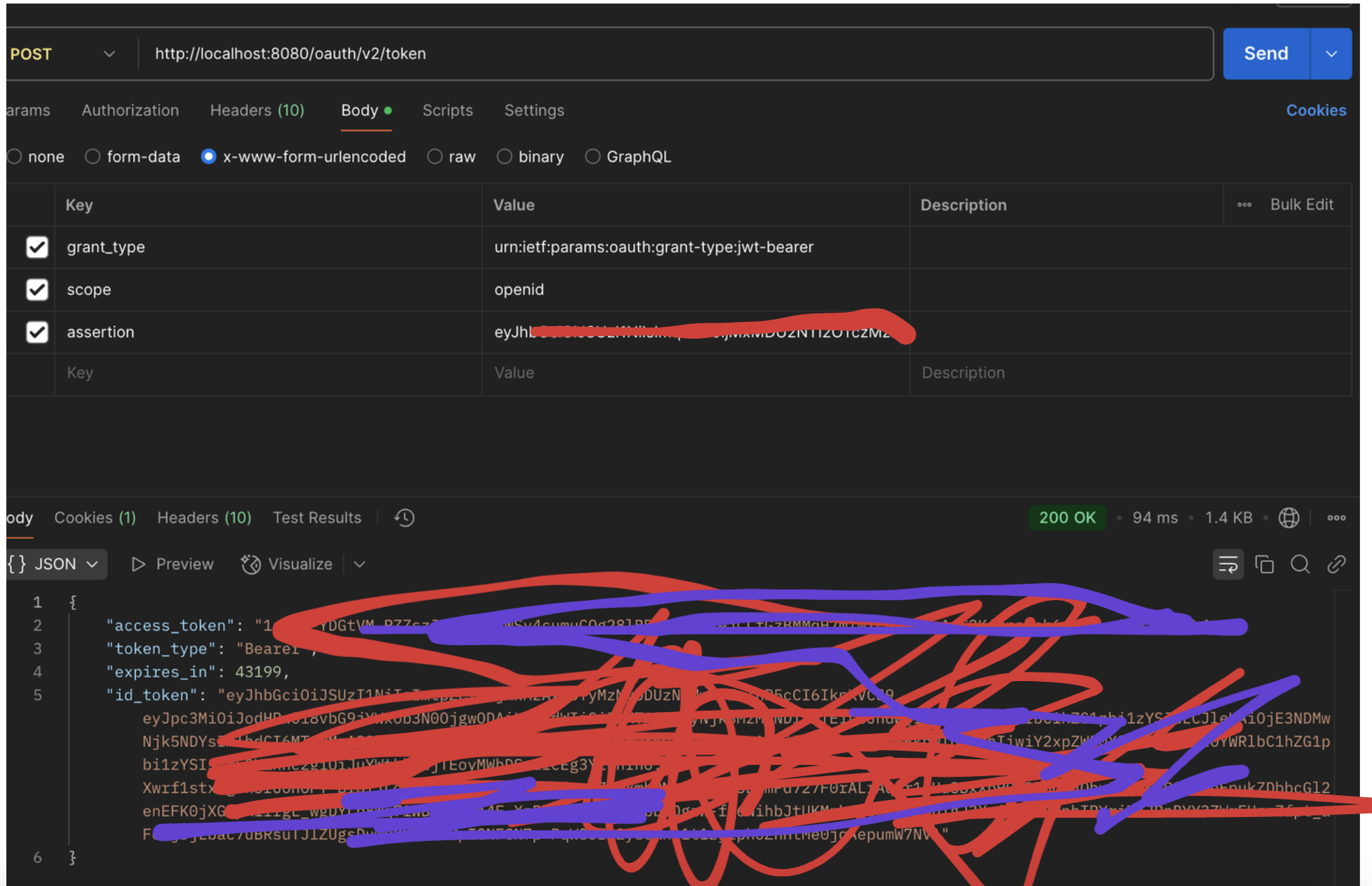 R
RI missed putting the right scope, but if you want to access zitadel API, you need to have
urn:zitadel:iam:org:project🆔zitadel:aud tooR R
RI changed the jwt with my localhost jwt for the first request and it worked for me
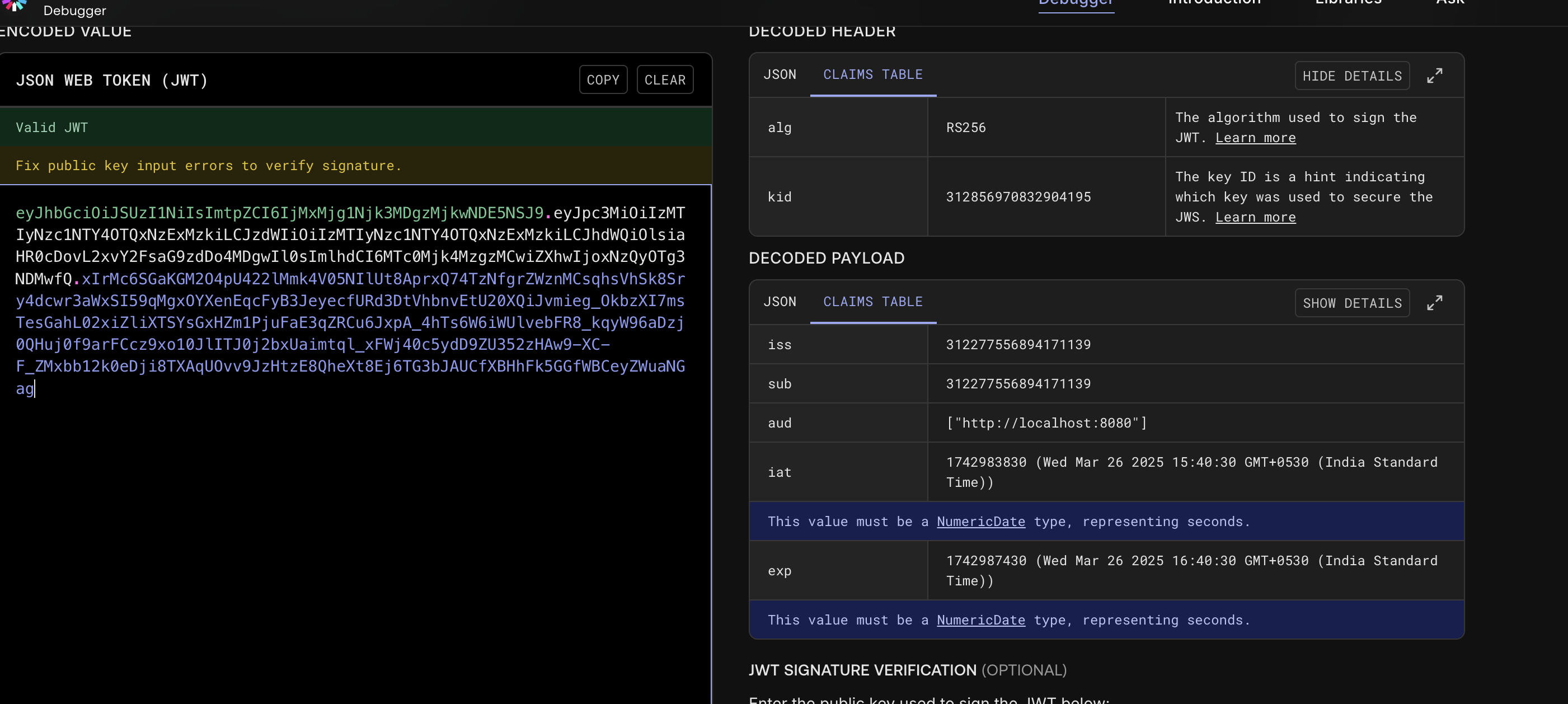
Ryou are using an expired jwt token
its from yesterday
its from yesterday
 R
Ryes makes sense, we have a WIP PR that fixes all this in the new iteration
Rapologies for the messaage above, we already have thew design docs that talks about robust eror codes here
https://github.com/zitadel/zitadel/blob/main/API_DESIGN.md#error-codes
this is the new API design doc which will lots of existing confusing changes that we had/have
https://github.com/zitadel/zitadel/blob/main/API_DESIGN.md#error-codes
this is the new API design doc which will lots of existing confusing changes that we had/have
Ralso thanks and np, lmk if this gets resolved lmk if you need more help further for more stuff
lmk if you need more help further for more stuff N
N@Rajat I'm getting this error as well in some of my integration tests.
However, these tests pass locally but not in my CI/CD pipelines.
Any reason you can think of as to why this would be flaky?
However, these tests pass locally but not in my CI/CD pipelines.
Any reason you can think of as to why this would be flaky?
 R
Rhey @nilsense thanks for the issue, it could be a race condition as the results were indeed flaky
Rhey @nilsense there's no particular reasoning as such, we are constanly improving our tests tp cover as much as we can, but sometimes things can be overlooked. Hope it didnt happened again. Pls let me know. Thanks
 N
NIt is reproduce-able in some of my own tests, so it is a reoccurring issue unfortunately. You're saying the engineering team is not aware of such an issue?
Also, we can continue chatting Flaky error from /oauth/v2/token if you'd like to close out this specific thread.
Also, we can continue chatting Flaky error from /oauth/v2/token if you'd like to close out this specific thread.